
Operation instructions and download for Cloud Card
Last updated 2026-09-28
■ Product Introduction:
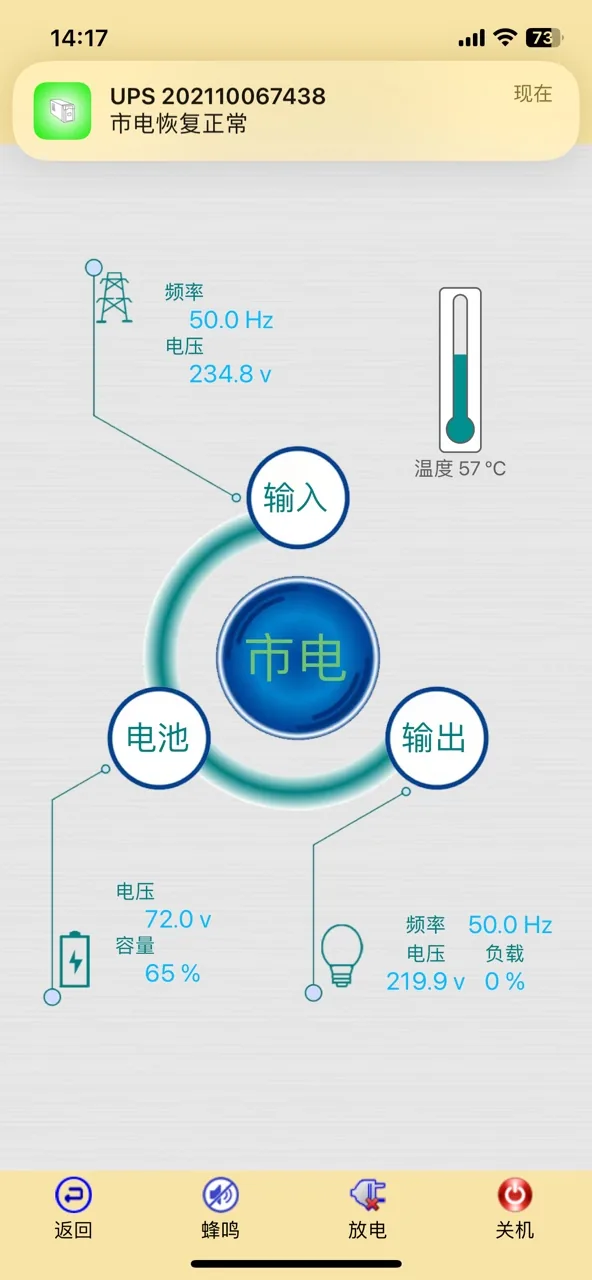
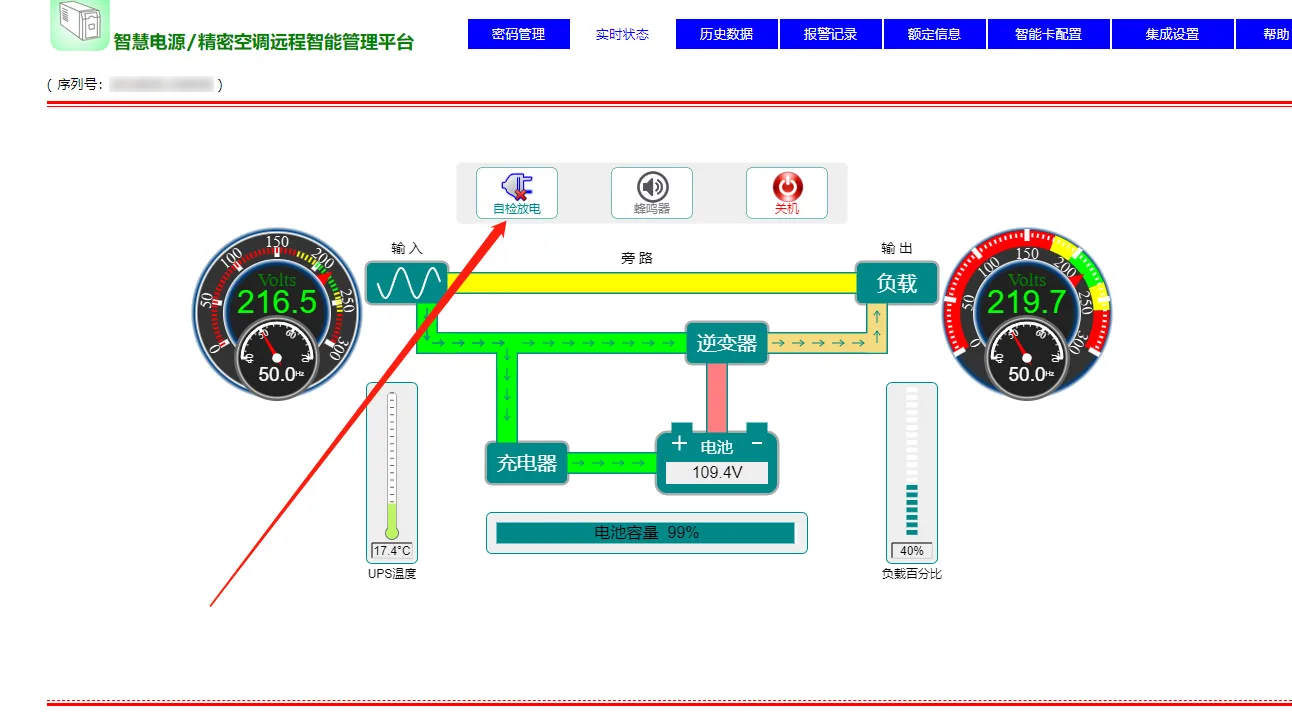
(手机端) (电脑端)Applicable products:
Our company offers cloud monitoring power supply products for the ET series, C series, H series, D series, MT series, LT series, and other options.
Main installation steps:Step 1: Check whether your product is equipped with the HiCloud cloud monitoring system.
Products with this feature are typically located at the back of the machine and feature network interfaces similar to the ones shown below.
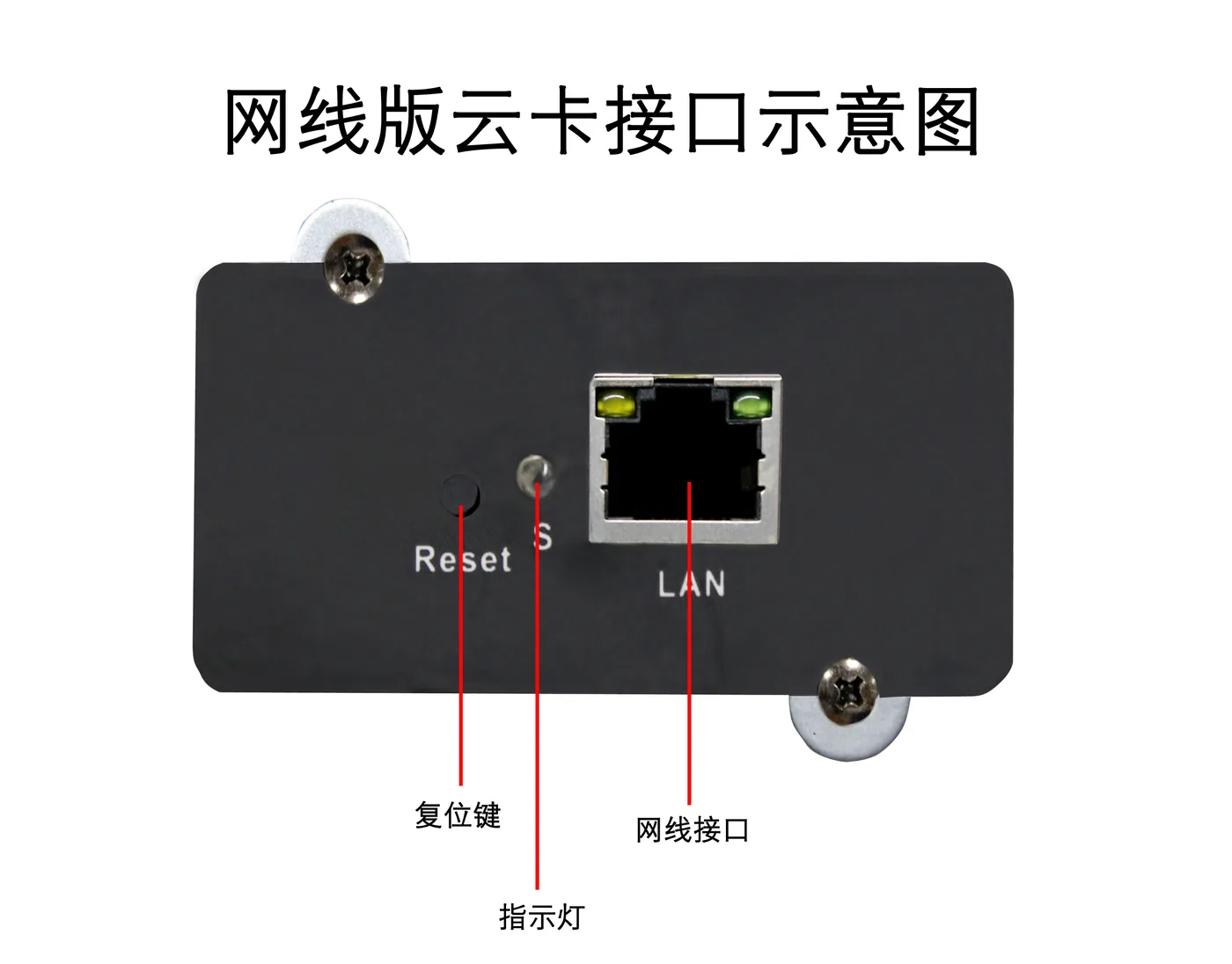
Please plug the network cable into the network cable port. After the device is powered on, the indicator light will illuminate in blue. Once the network cable is connected, the network cable indicator light will illuminate.
Precautions:
(1) For initial use, ensure that the cloud card is within the same local area network as the mobile phone or monitoring computer. 、
(2) When leaving the factory, the IP address of the cloud card is set to automatically obtain status. By clicking on the APP or software to automatically search, the device can be found.
(3) If the device cannot be found, please check the network. You can try resetting the network card.
Press once to reset and automatically obtain an IP address.
Press the reset button three times in quick succession. After approximately 10 seconds, the cloud card will automatically restart, and the IP address will be fixed at 192.168.0.239
Step 2: Operation of connecting the computer and mobile phone clients to the device
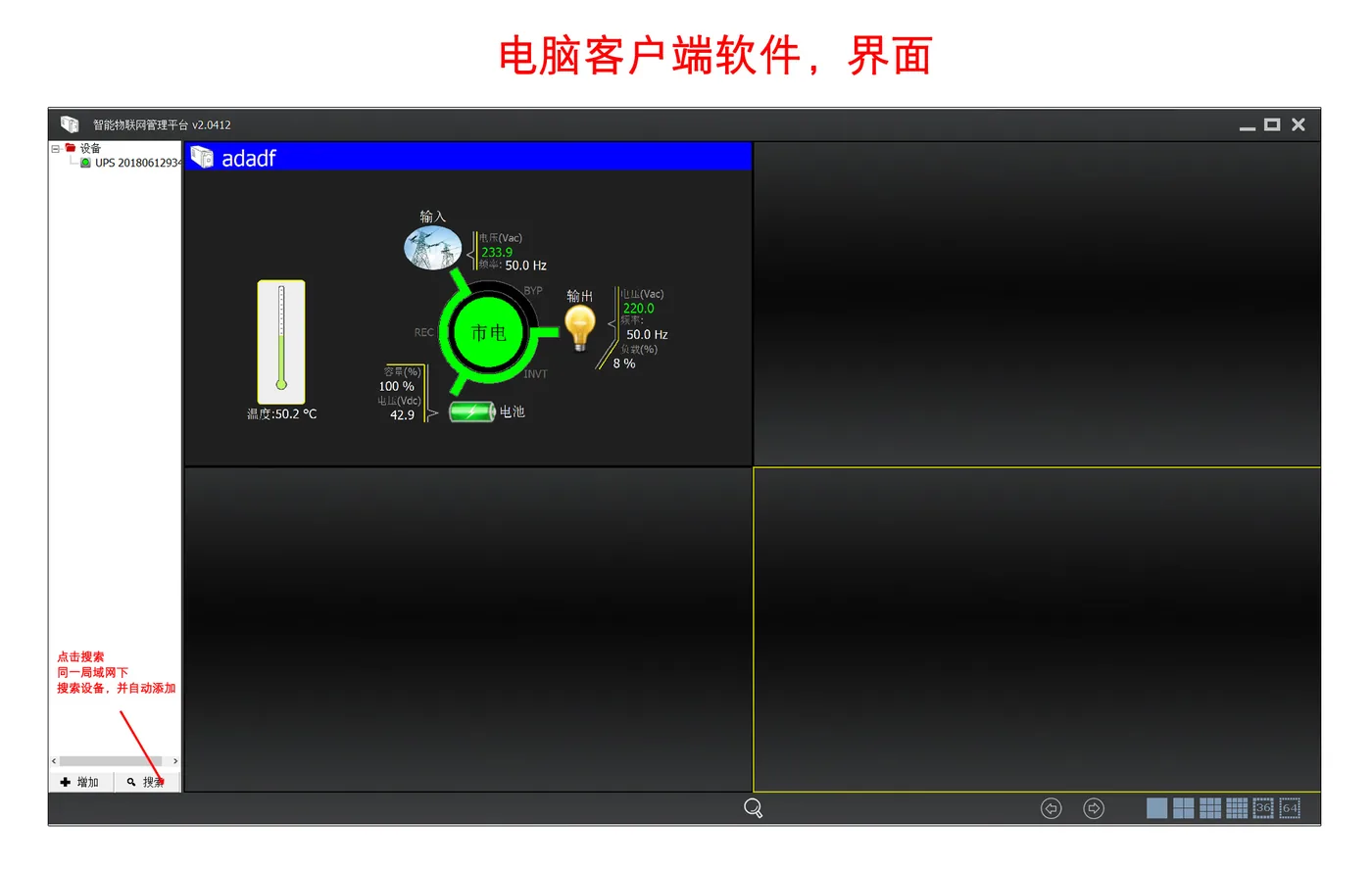
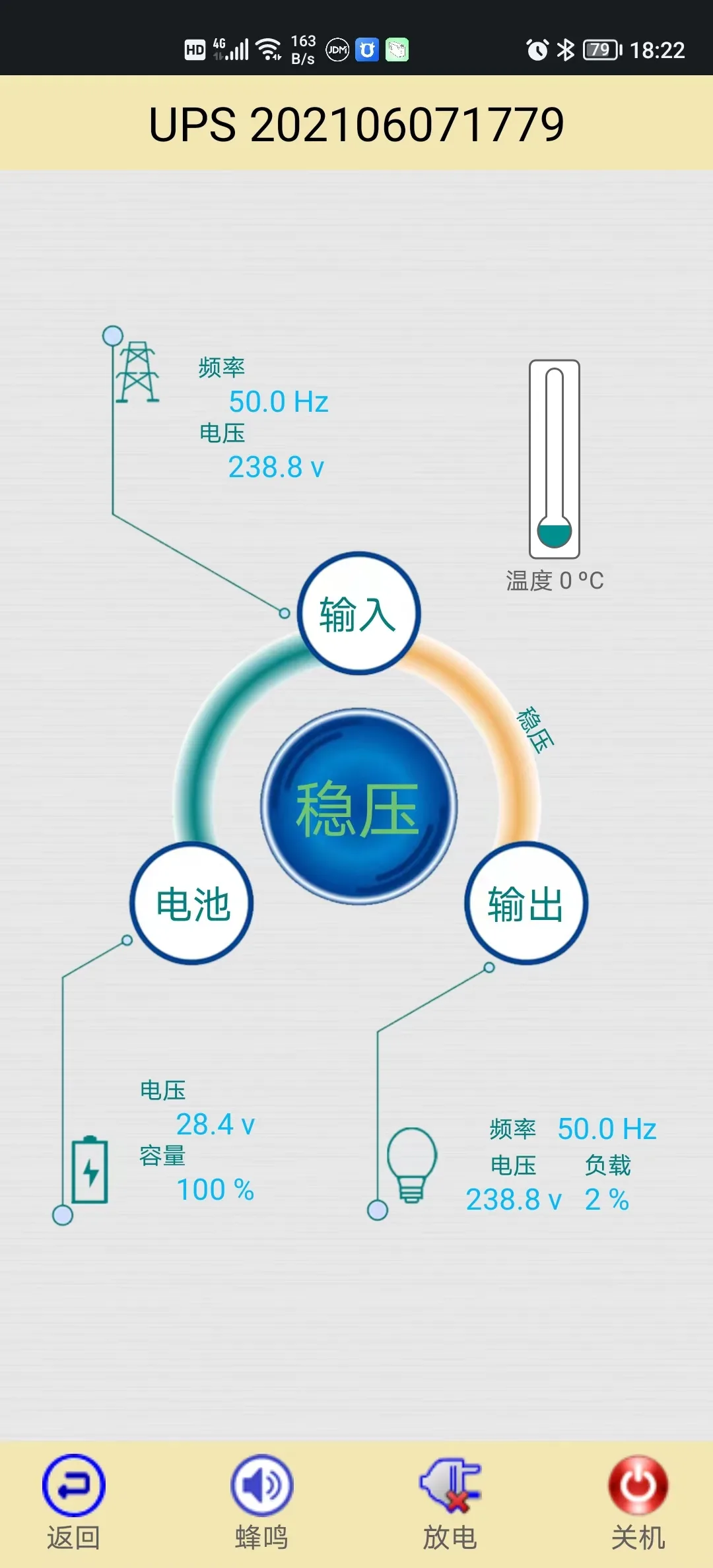
For the method of connecting and adding devices on the mobile client, please refer to the computer client.
(1) Within the same local area network, click the “Search” button. The software will search for power devices within the network and automatically add them. (Recommended method for initial connection)
(2) Click the “Add” button to pop up the add device dialog box. You need to know the number and password of the cloud card to be added. This method requires that the device and the monitoring computer or mobile phone are not necessarily on the same local area network, but both must be connected to the Internet.
User Manual for Cloud Intelligent Monitoring Card